- Introduction: The MacBook and Internet Connection

Apple’s MacBook has become a go-to device for many professionals and students, thanks to its reliability and outstanding performance. Its beautiful design, powerful capabilities, and seamless integration into Apple’s ecosystem are undeniable. However, there are some connection-related issues that users sometimes encounter. One of these issues, and the topic of today’s article, is the “MacBook’s wired LAN doesn’t connect” problem.
Especially when connecting a MacBook and a monitor using USB-C, many users encounter difficulties with their wired LAN internet connection. While monitor output and power supply work without a hitch, internet connectivity via wired LAN does not. In this article, we will dive deep into the cause and solutions for this problem.
- USB-C: A Single Solution, Multiple Issues
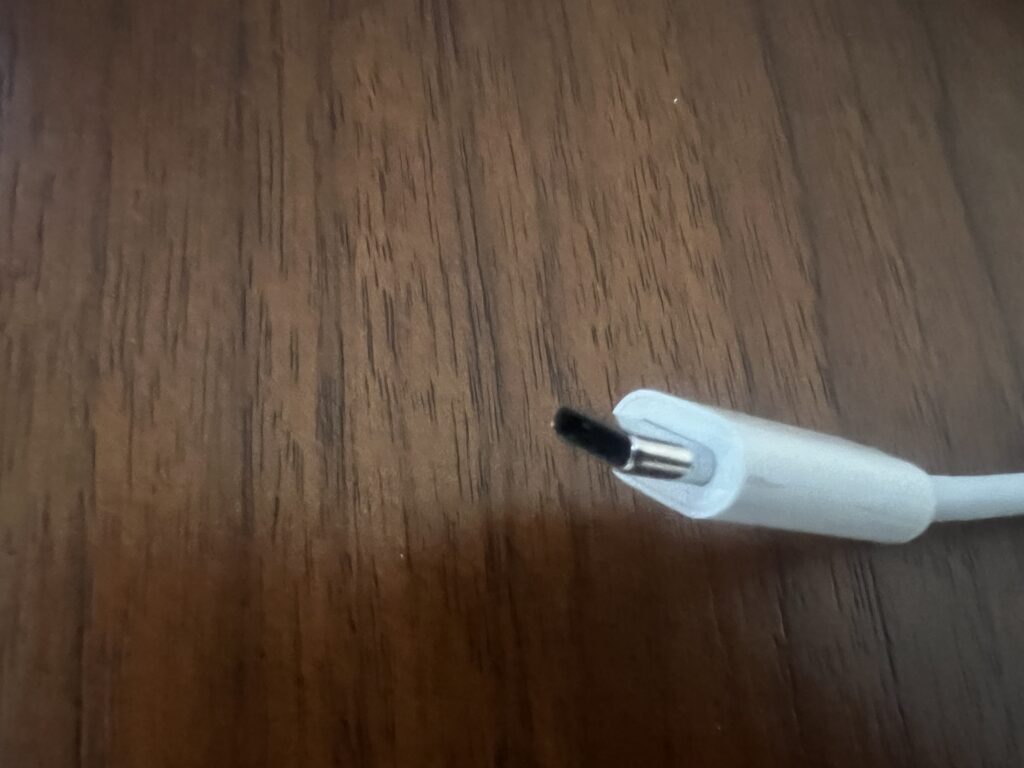
USB-C provides multiple connections through a single cable, which can be seen as an excellent solution. Yet, this convenience sometimes brings about confusion for some users in interfacing with several devices.
The latest MacBook models predominantly utilize USB-C for connections. This means users can achieve data transfer, power supply, and monitor connections all with one cable. It’s undeniably convenient. However, not all functionalities operate optimally simultaneously, especially when it comes to wired LAN connections.
- The Root Cause: Insufficient Power Supply for Wired LAN Connection
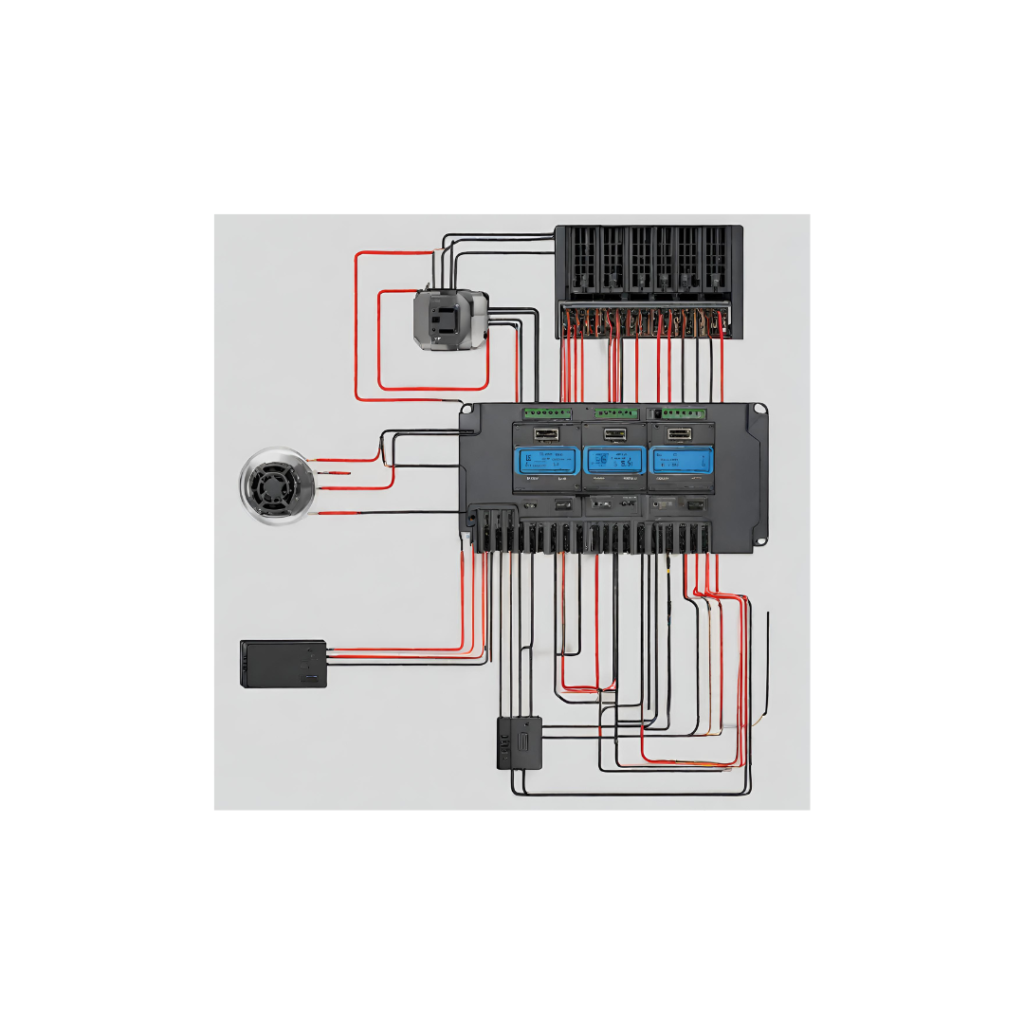
The underlying issue stems from power supply. USB-C simultaneously provides data transfer and power. This is incredibly convenient for charging mobile devices. However, when the USB-C’s power is consumed for charging the MacBook, it may result in insufficient power for the wired LAN connection, causing internet connectivity issues.
This issue becomes particularly pronounced when the monitor connects to the wired LAN via USB-C. Monitors usually have multiple ports for power supply and data transfer. If the USB-C port prioritizes power supply for the MacBook, the wired LAN connection might lack the necessary power.
- The Solution: Using a Wired LAN Adapter
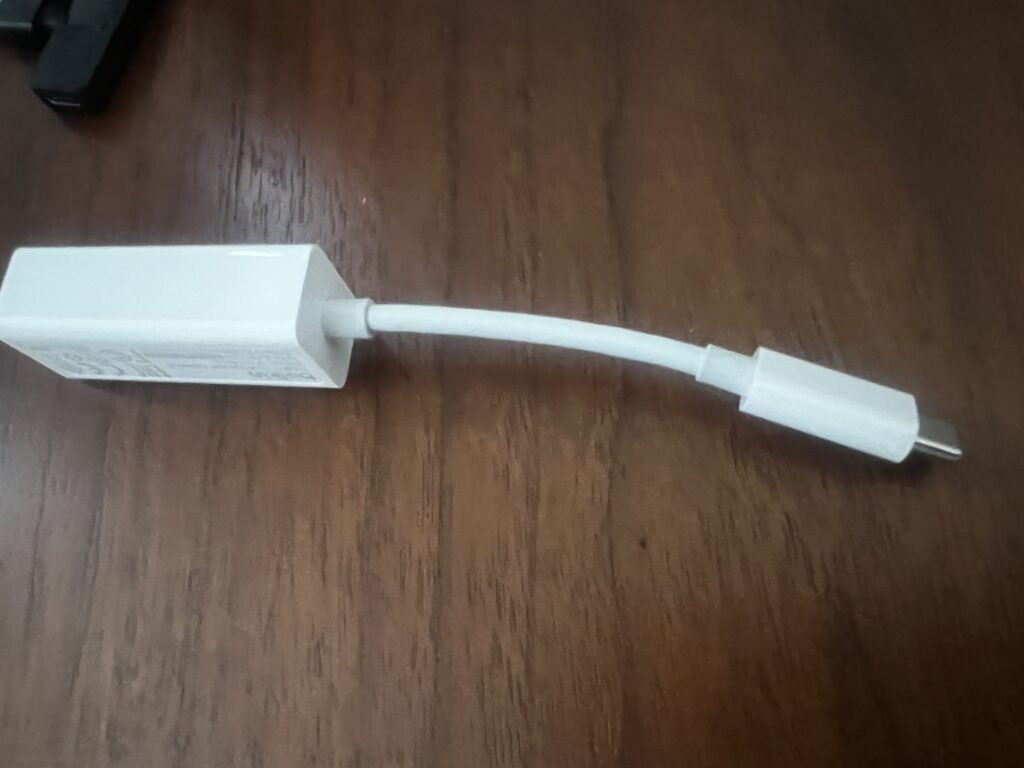
To address this issue, it’s advisable to directly connect a wired LAN adapter to the MacBook. This prevents the USB-C’s power from being monopolized by the MacBook’s charging needs, ensuring a stable power source for the wired LAN connection.
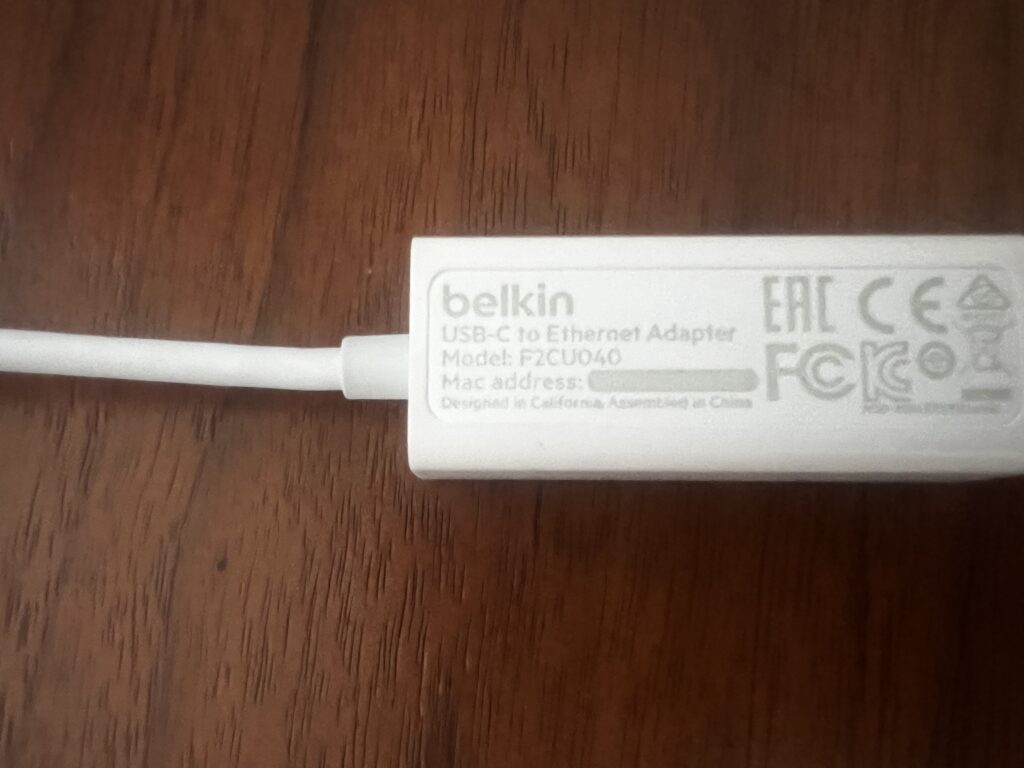
Apple’s genuine wired LAN adapter is the best choice given its compatibility and reliability. While some third-party LAN adapters perform well, compatibility issues or unstable connections have been reported.
- Other Considerations: The Relationship with WiFi
While some users might experience issues with their wired LAN connections, the MacBook’s WiFi might function perfectly. This is because WiFi does not rely on the USB-C connection. However, WiFi generally offers slower speeds and is less stable than a wired connection. Several solutions to improve the strength and stability of WiFi connections exist, but these do not address the core issue with wired LAN connections.
- Conclusion: Resolving the USB-C and Wired LAN Connection Issue

The main cause of the wired LAN connection issue when connecting a MacBook to a monitor via USB-C is the insufficient power supply. The best solution is to connect directly to the MacBook using a wired LAN adapter, ensuring an appropriate power supply for a stable internet connection.
Choose the solution that best fits your circumstances and enjoy a better computing experience. Have a great day!









Comments
List of comments (4)
This blog is very interesting, and useful information is full. Thank you!
Thank you very much for your comment. I will continue to upload a lot of useful information. Please continue to support me.
By the way, what kind of monitor are you using?
I am using the LG [34WQ75C-B], a 34-inch, 21:9, UWQHD monitor with HDMI, DP, and USB-C connections.