My Experience

My Personal Experience
Before I delve into tips for making the most of your iPhone, I’d like to share my own experience.
A few years ago, I embarked on a journey to learn how to make the most of my iPhone. Initially, I found myself somewhat baffled by the basics and was on a quest to discover useful apps and settings. However, as I gradually became more familiar with it, the iPhone became an indispensable part of my life. So, in this post, I’ll be sharing practical iPhone usage techniques that have personally benefited me. By employing these strategies, you can efficiently manage your daily life and even derive more enjoyment from your iPhone.
Now, let’s dive into the tips for maximizing the potential of your iPhone.
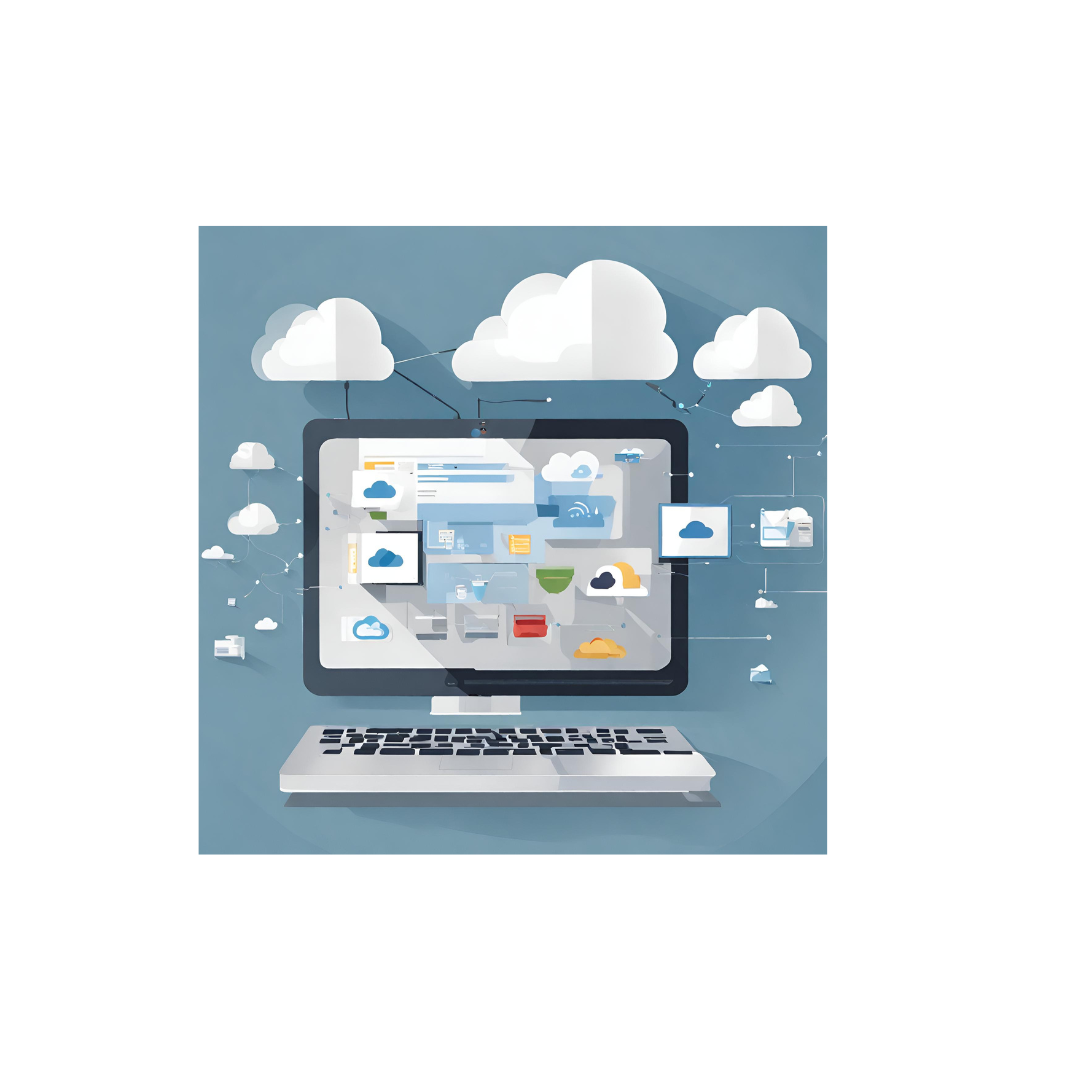
- Utilize Cloud Storage: Use iCloud or other cloud services to backup data like photos, documents, and music, enabling access from multiple devices.

- Harness Siri: Siri is a voice assistant that can perform tasks and search for information with voice commands.
- Create Shortcuts: Use the “Shortcuts” app to automate specific tasks or routines, simplifying actions like your daily commute.
- Organize Email: Use the email app to organize your messages with folders and labels. You can set up a VIP list to prioritize important emails.
- Organize Photo Albums: Create albums in the Photos app to keep your photos organized by specific moments or locations.
- Use Notes and Reminders: The “Notes” and “Reminders” apps are helpful for task management and storing important information. Set reminders to avoid forgetting tasks.
- Security and Privacy Settings: Protect your data with security features like passcodes, Touch ID, Face ID, and review app permissions for privacy.
- Use Dark Mode: Enable Dark Mode to reduce screen brightness and ease eye strain.
- Customize App Notifications: Disable unnecessary notifications and customize settings to receive only important alerts.
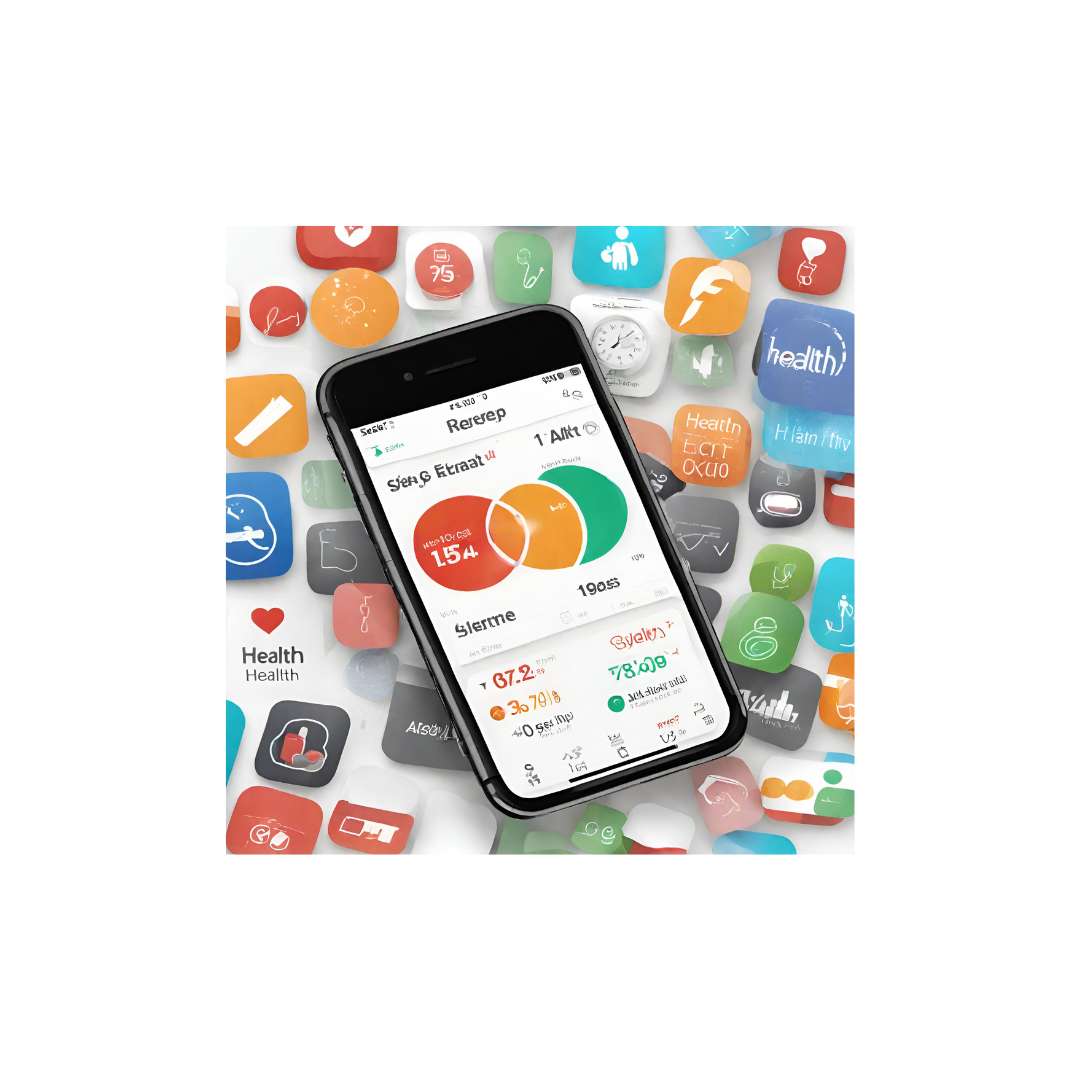
- Utilize the Health App: Use the “Health” app to track health information and set fitness goals.
By implementing these techniques, you can make your iPhone more convenient and effectively manage your daily life.







Comments