1. Introduction
With the advent of SUNO AI, anyone can now create professional-sounding music in seconds. However, if you’re planning to distribute your tracks via platforms like DistroKid or monetize them on YouTube, going in “blind” carries significant risks of copyright infringement or terms-of-service violations.
In this article, I will explain the “invisible line” between the Free and Paid plans and why your choice of audio format (WAV vs. MP3) can make or break your music career.
2. The Legal Wall: Ownership Rights
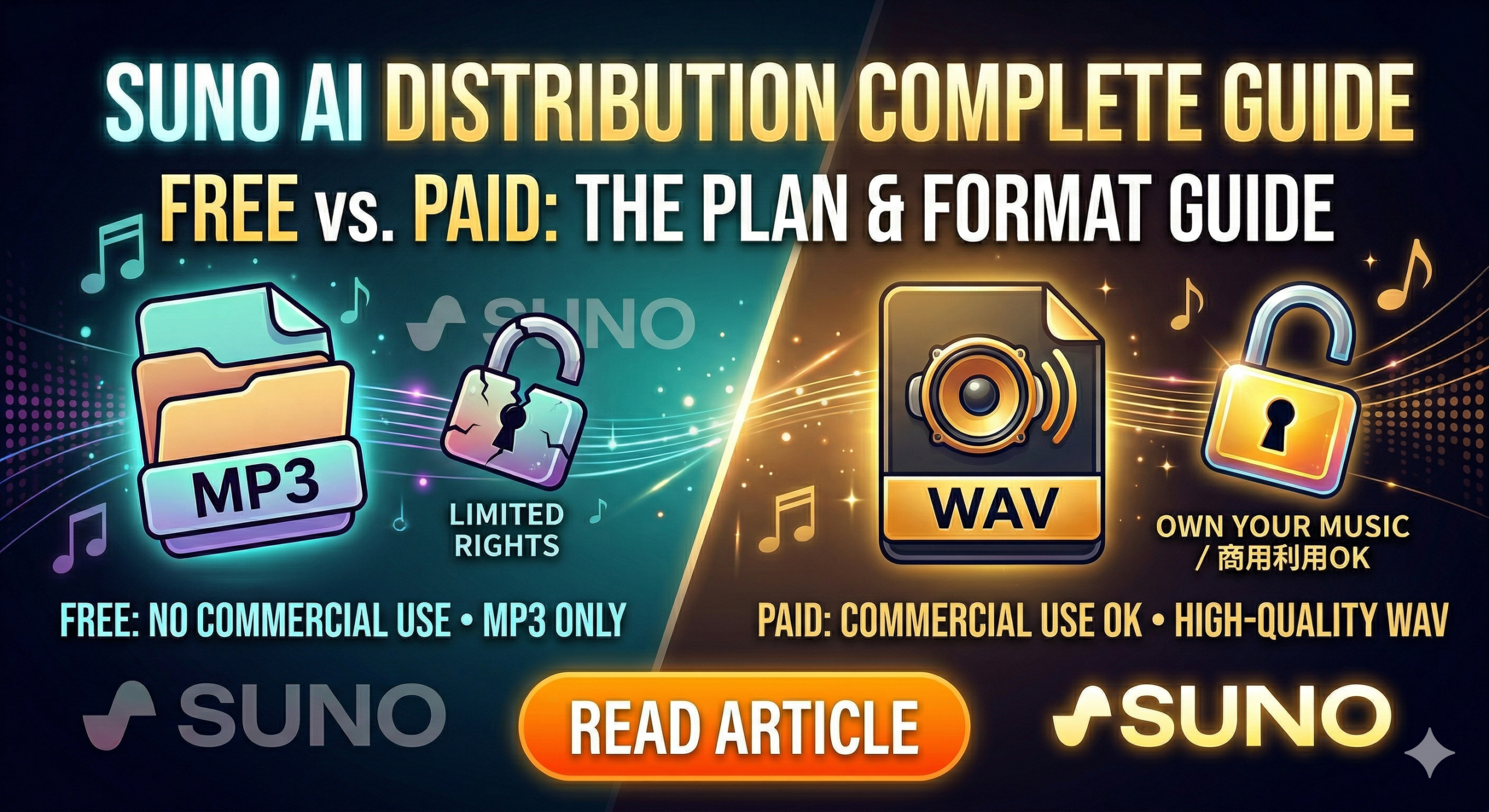
SUNO offers a Free (Basic) plan and Paid (Pro/Premier) plans. The difference isn’t just about how many songs you can make.
The biggest difference is the “Ownership of the Composition.”
- Free Plan (Basic): Suno owns the copyright to the songs. You can enjoy them for personal use, but you cannot monetize them.
- Paid Plan (Pro & Above): You own the rights to the songs you generate. This is the prerequisite for distributing your music through services like DistroKid.
[Warning] No Retroactive Rights! You cannot “legalize” a song generated on a Free plan by upgrading later and downloading it again. Ownership is determined by your subscription status at the exact moment the “Create” button is pressed.
3. Professional Standards: WAV or MP3?
When exporting from SUNO, you’ll see options for WAV and MP3. You might think, “MP3 is fine since it’s a smaller file,” but if you aim for distribution, WAV is your only real option.
Why WAV?
- Lossless Quality: WAV files are uncompressed and retain every bit of audio data. MP3s are “lossy” files that discard data to save space, resulting in a flatter sound.
- Preventing Double Compression: Platforms like Spotify and Apple Music compress your files during upload. If you start with an MP3 (already degraded), the final result for the listener will sound thin and grainy.
- Industry Standard: DistroKid and other distributors require (or strongly recommend) WAV files (16-bit/44.1kHz or higher) to meet professional broadcasting standards.
4. Checklist: Is Your Track “Ready for Release”?
If you’ve lost track of which songs are safe to distribute, use this simple checklist:
- Is the file format WAV? (Since WAV export is a Paid-only feature in SUNO, having the WAV file is strong evidence it was generated under a Pro/Premier plan.)
- Check your Subscription History: Cross-reference the generation date in your SUNO Library with your billing history to ensure you were a paid member on that day.
5. Conclusion: Stepping Forward as an AI Artist
Even a masterpiece will stay hidden if you don’t navigate the rules correctly.
- Always use a Paid plan before generating for commercial use.
- Always save your master files in WAV format.
By following these two rules, you ensure both the legal safety and the professional quality of your music.








Comments