Introduction:
Setting up Face ID is often the first thing we do when we get a new iPhone. It’s incredibly convenient to unlock your phone with just a glance, but have you ever wondered:
“What if someone uses a photo of me while I’m sleeping?”
“Could a high-resolution picture trick the system?”
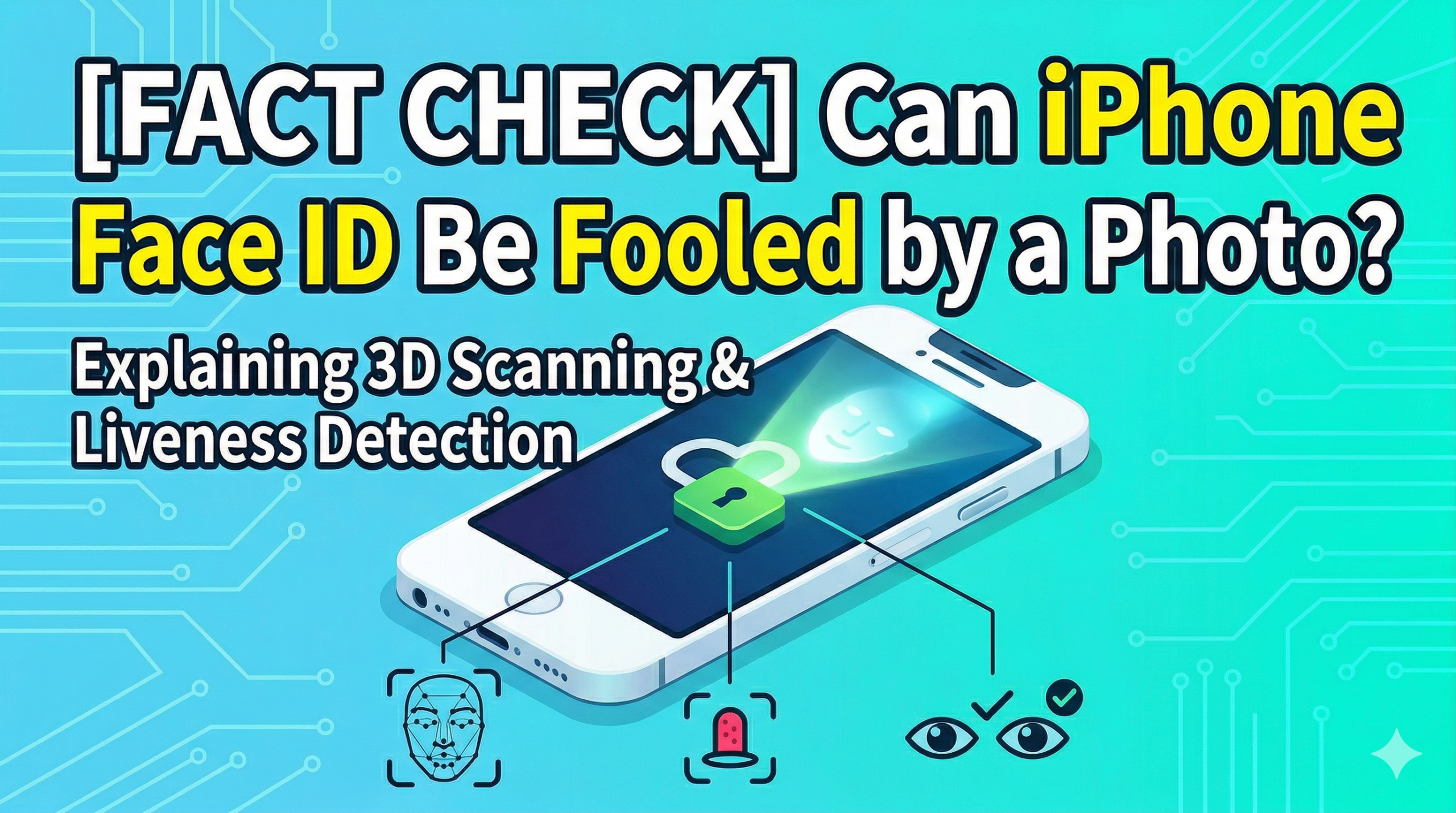
Let’s get straight to the point: Face ID cannot be unlocked with a photo.
But why is Apple’s facial recognition so robust? In this post, we’ll break down the “amazing technology” behind Face ID and why it won’t budge even for the best photographs.
1. Why Photos Don’t Work: The “Depth” Barrier
The photos we see every day are 2D (flat). However, Face ID perceives your face in 3D (three dimensions).
This is made possible by the TrueDepth Camera System packed into the notch (or Dynamic Island) at the top of your iPhone.
When Face ID is activated, it performs the following high-level processes in an instant:
- Projection: It projects over 30,000 invisible infrared dots onto your face.
- Analysis: An infrared camera reads how these dots land on your facial contours, creating an accurate 3D map of your face.
- Comparison: It instantly compares this 3D data with the registered data stored on your device.
Since a photo is completely flat, the TrueDepth camera cannot obtain any structural information (like the height of your nose or the depth of your eye sockets).
Even with a high-definition photo, Face ID immediately recognizes that it’s looking at a 2D surface and refuses to unlock.
2. Beyond Just Shape: “Liveness Detection” and “Attention”
The power of Face ID goes beyond just 3D recognition. It includes two additional layers of security:
① Infrared “Liveness” Detection
The TrueDepth camera doesn’t just look at shapes; it uses an infrared imager to detect the texture and reflection of actual human skin.
This allows it to distinguish a real person from sophisticated 3D masks or high-quality images displayed on a screen, which don’t have the same infrared signature as a living being.
② “Require Attention” (No Unlocking While Sleeping!)
By default, the “Require Attention for Face ID” feature is turned on. This ensures that the user is awake and looking directly at the screen.
This means that even if someone holds your iPhone up to your face while you’re asleep, the phone won’t unlock because your eyes are closed.
3. What About Masks and Glasses?
Despite these strict security measures, Face ID is designed for daily convenience.
- Masks: On iPhone 12 and later, Face ID can recognize the unique features around your eyes to authenticate you even while wearing a mask.
- Glasses: Most glasses work perfectly. However, certain types of sunglasses that block infrared light might prevent the “Attention” feature from working, making it harder to unlock.
4. Are There Any Exceptions?
While photos won’t work, Apple does mention a few rare cases where the accuracy might vary. This includes identical twins or children under the age of 13, whose facial features are still developing.
If you are particularly concerned about security, go to Settings > Face ID & Passcode and ensure that “Require Attention for Face ID” is enabled.
Conclusion: Face ID is a Security Powerhouse
iPhone’s Face ID will not be unlocked by a photo or any 2D image.
The combination of 3D structural mapping, infrared liveness detection, and eye-tracking attention checks creates a triple-layered shield that protects your privacy.
You can rest easy knowing that this convenient feature is also incredibly secure.









Comments